
View Calls for an Account
To view calls for a specific account, select Calls By Account from the drop-down menu.
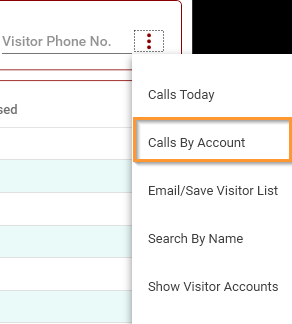
This will open the Calls By Account screen where you can select the account and the date range to view.
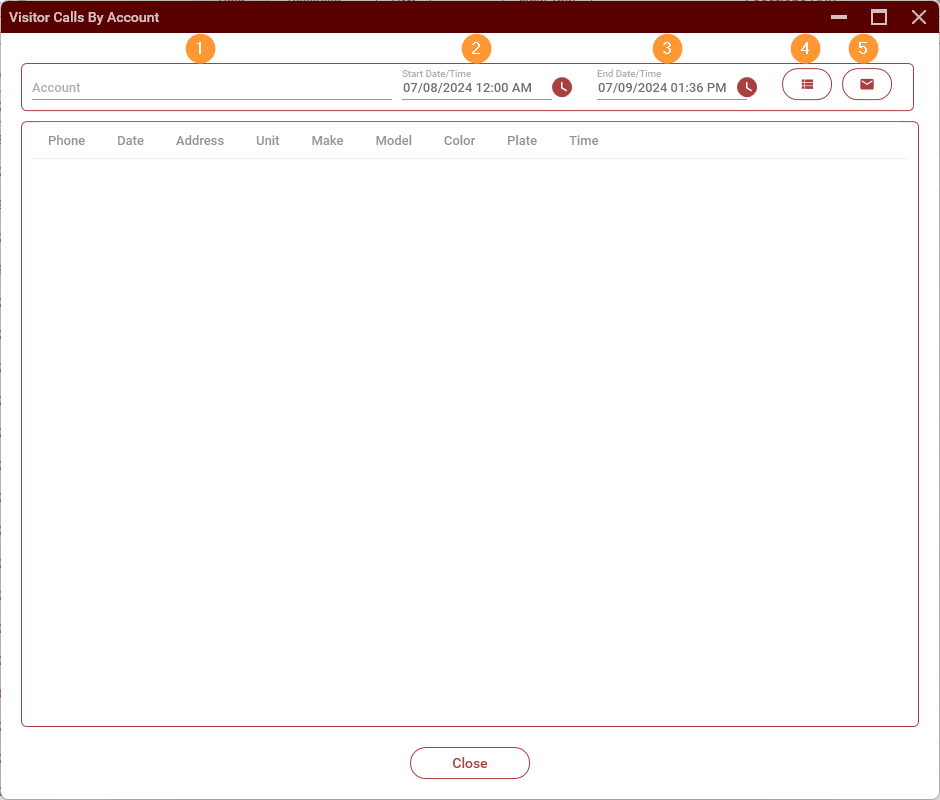
- Select the account
- Start Date/Time
- End Date/Time
- View button. Click on this once you have selected the account and start and end dates.
- Email to Account button. Click on this button to email the visitor list to the property. Note: This button will only work after you have used the View button.
No comments to display
No comments to display