
Change of Management
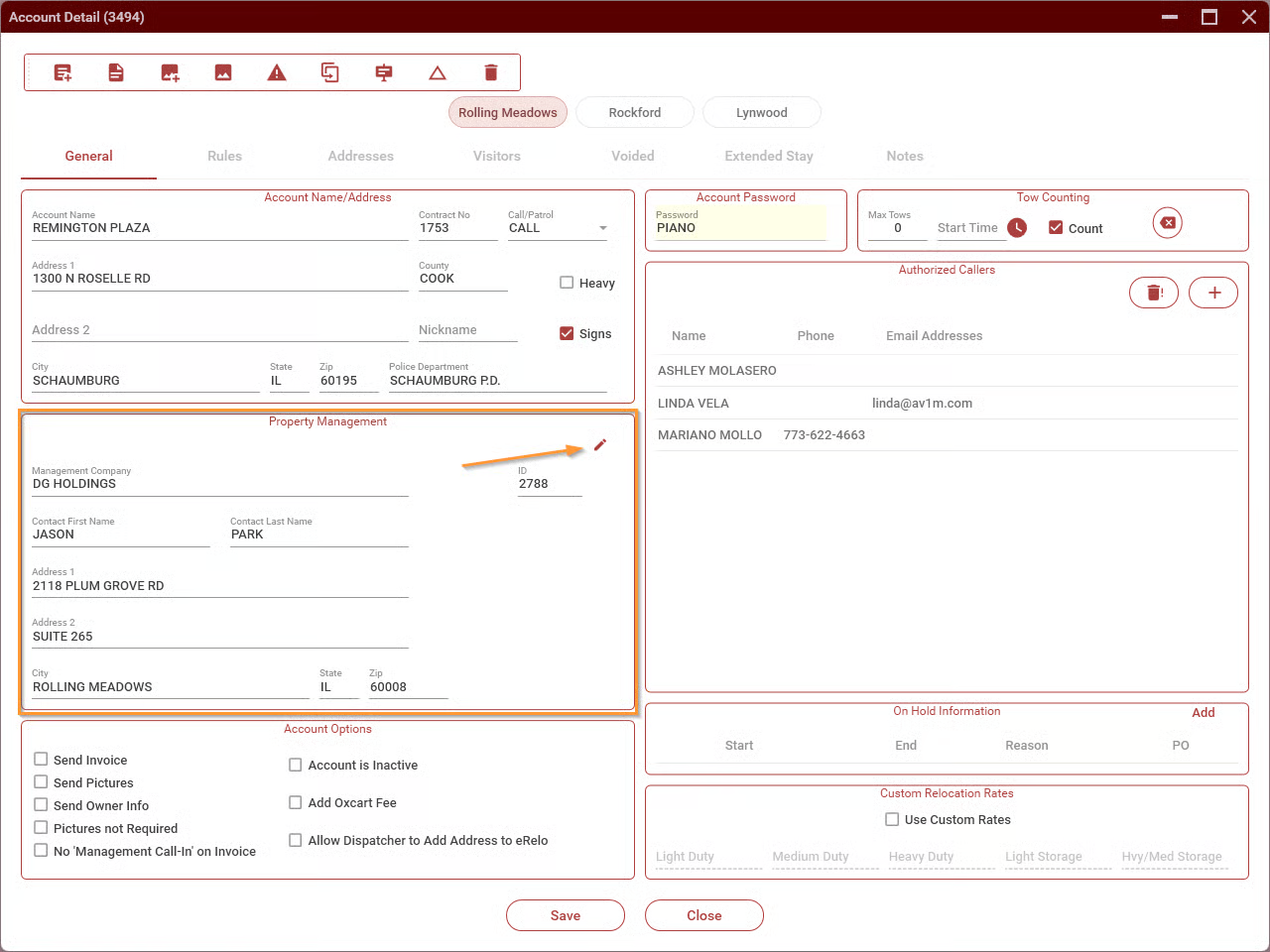
This will open a dialog where you can enter the new property management company.
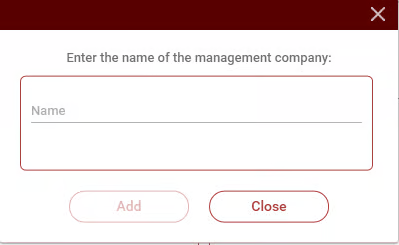
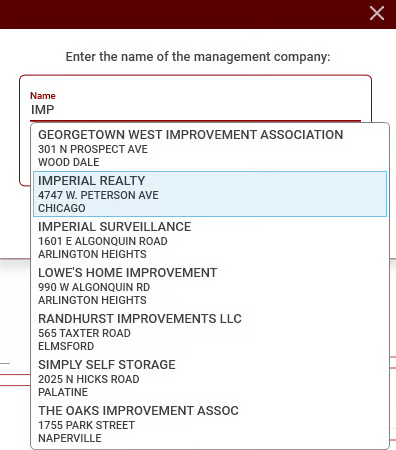
As you type, TRIP will show matching property management companies.
Using an Existing Property Management Company
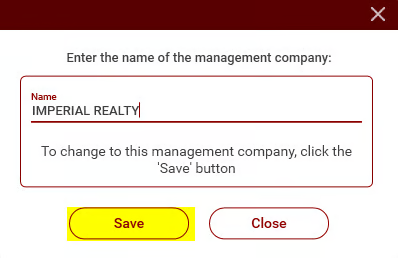
If the correct property management company is shown (including the address), select it and click Save. The management company will be changed. You can close the account screen now; you do not need to save.
Adding a New Property Managment Company
If the correct property management company is not already in TRIP, you'll need to add it. Continue to type in the full name of the property management company, then click on Add.
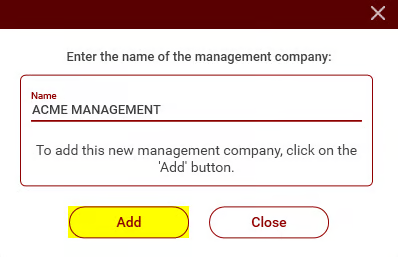
This will open the New Property Managment screen with the company name filled in.
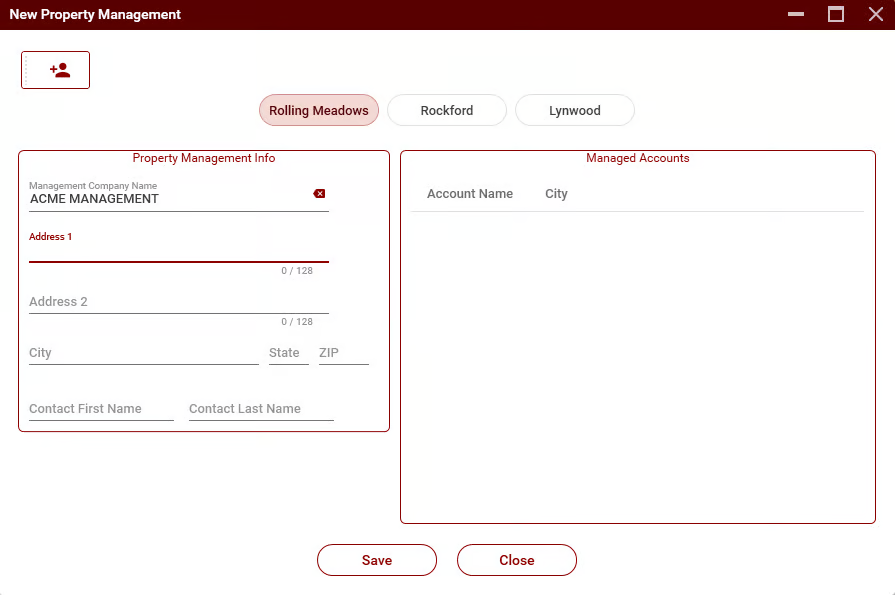
Fill in the rest of the information, then click Save. The screen will close, and the property management company will be changed for the account. You can close the account screen now; you do not need to save.