
Add New Location
Update Mailer App
Three edits are required:
- Add location to MainFormView location dropdown.
- SubmitJobs(): Add new location.
- LocationFilterChanged(): Add location to switch block.
Create New Document
- Login to Click2Mail (you can use the test site if desired: https://stage.click2mail.com).
- Select Documents from the menu.
- Duplicate one of the existing documents and name it accordingly.
Create New Template
- Select Job Templates from the menu.
- Select Rest API from the template type selector.
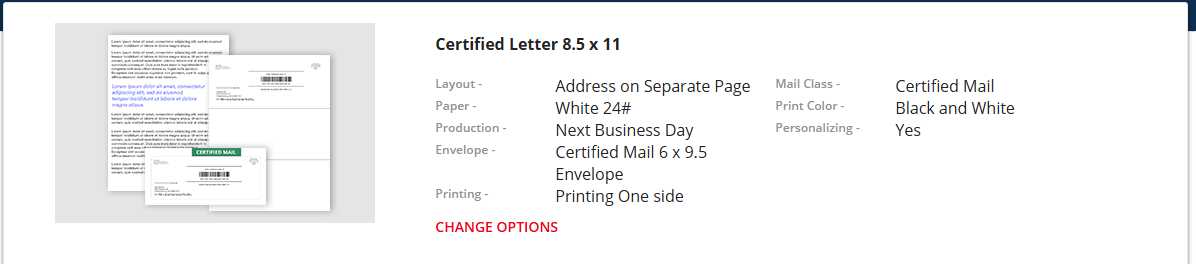
- Use the following settings:
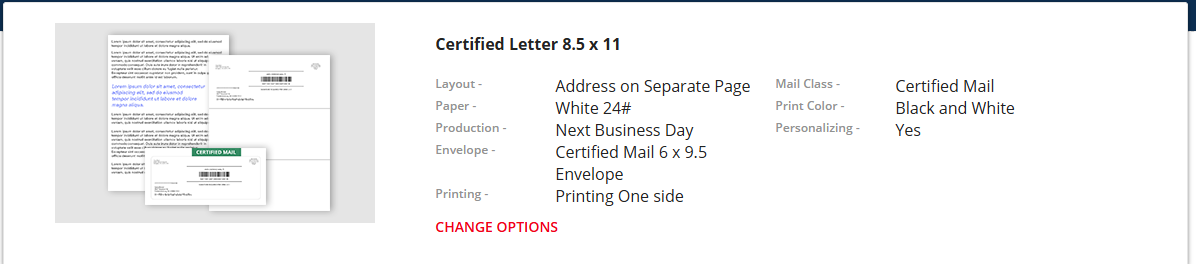
- Select the new document you created as the document.
- Name it {location document}JobTemplate, where {location document} is the name of the new location.
No comments to display
No comments to display